The Charging Behaviors That Quietly Shorten a Laptop Battery's Lifespan
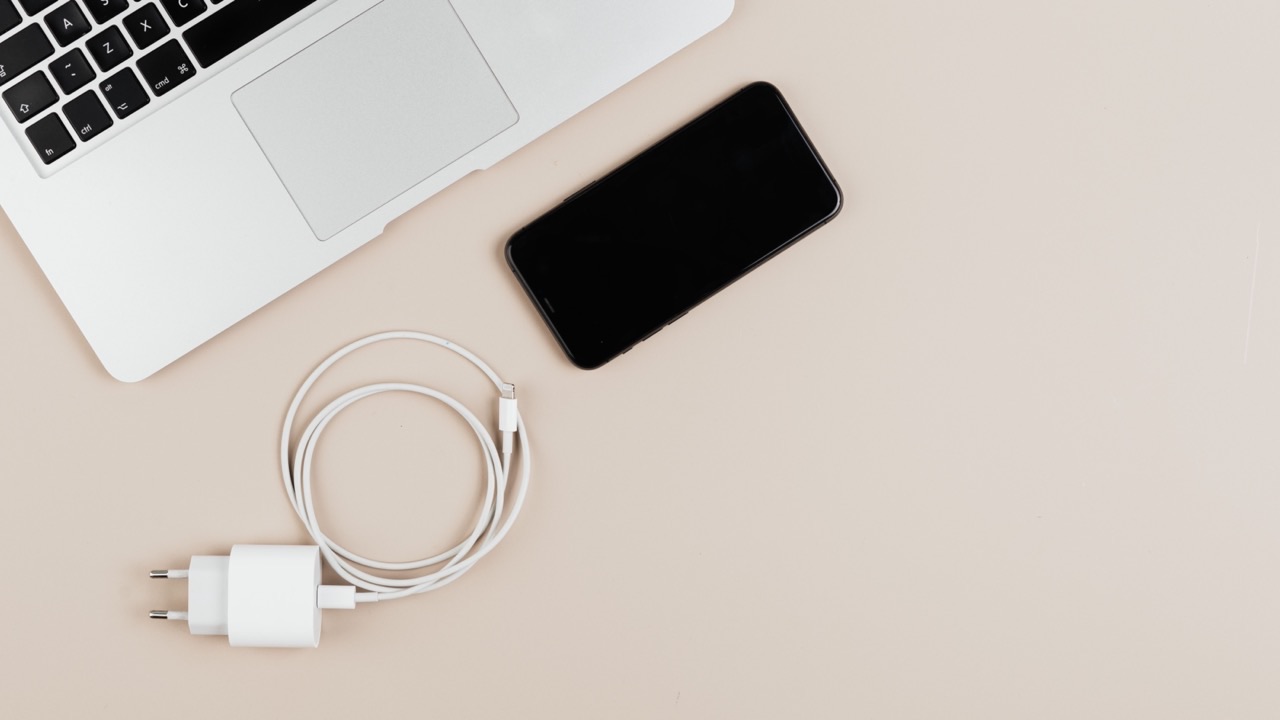
Most laptop batteries don’t fail suddenly. They degrade gradually, cycle by cycle, in ways that are invisible until the battery life is noticeably shorter than it used to be. By the time a user realizes the battery lasts two hours instead of six, the damage is months in the making. The behaviors that caused it are usually everyday habits that seem harmless — keeping the laptop plugged in all the time, running it down to zero before charging, or routinely charging in a hot environment. None of these are dramatic mistakes. They’re just patterns that, repeated consistently, compress the battery’s useful life.
Understanding why they cause damage — not just that they do — makes it easier to change them.
Keeping it plugged in constantly
This is probably the most common battery habit among people who primarily use their laptop at a desk. The logic seems sound: if the battery is always charged, it should always be ready. In practice, a lithium-ion battery that sits at 100% charge while connected to power degrades faster than one that cycles through a moderate range.
The reason involves something called high-voltage stress. Lithium-ion cells experience chemical stress at full charge — the lithium ions are packed as densely as possible into the anode material, which creates strain on the cell structure over time. Maintaining that maximum state of charge continuously accelerates the chemical aging process.
Modern laptops have battery management systems that mitigate this to some degree. Many current laptops stop charging at 80% or 90% when the user enables a “battery health” or “optimized charging” mode, which is specifically designed to reduce the time the battery spends at high voltage. On Windows machines, this is often in the battery settings; on Macs, it’s called Optimized Battery Charging and is enabled by default. Enabling this setting, if your machine supports it, is one of the more effective steps for someone who primarily uses their laptop plugged in.
If your laptop doesn’t have such a setting, the practical alternative is to unplug once the battery is charged rather than leaving it connected indefinitely.
Running the battery to zero regularly
Deeply discharging a lithium-ion battery — letting it drop to 0% or close to it — stresses the cell chemistry from the other direction. At very low voltage, chemical reactions can occur that permanently reduce the cell’s capacity. A single deep discharge doesn’t cause catastrophic damage, but doing it regularly as a routine — the habit of working until the laptop shuts itself off — accumulates damage over time.
Lithium-ion batteries have a rated cycle life based on full charge cycles (0% to 100%). A battery rated for 500 full cycles will reach the end of its rated life faster if those cycles are deep discharges. Keeping the battery between roughly 20% and 80% rather than cycling from empty to full uses less of each rated cycle and reduces chemical stress at both extremes.
This doesn’t mean you need to obsessively watch the percentage. It means making charging a regular habit — plugging in when the battery is at 30 or 40% rather than waiting until the warning appears at 10%.
Charging in heat
Heat is the most damaging environmental factor for lithium-ion batteries. A battery operating at elevated temperature experiences accelerated chemical aging — the electrolyte degrades faster, the separator material deteriorates, and capacity loss occurs at a higher rate per cycle than it would at room temperature.
Common sources of heat exposure during charging: using the laptop on a bed or couch where the vents are blocked (the laptop heats up, the battery heats up with it), charging in a car on a hot day, or using the laptop heavily while charging in an environment without good air circulation. The battery charges fastest when it’s cool; it also ages slowest when it’s cool.
The straightforward adjustment: charge on a hard flat surface that doesn’t block the vents, avoid charging in direct sunlight or hot enclosed spaces, and if you notice the laptop getting hot during charging, consider whether the task you’re running is contributing to the heat load.
Fast charging habits
Fast charging is convenient, and modern laptops are designed to handle it without immediate damage. The tradeoff is that high charging rates generate more heat and more internal stress than slower charging. Used occasionally, fast charging has minimal effect on battery longevity. Used as the default charging method every day, it contributes to faster capacity loss over the battery’s lifetime.
If your charger supports both standard and fast charging speeds, using the standard speed during slow overnight charges and reserving fast charging for when you actually need a quick top-up is a reasonable compromise that reduces the stress of high-rate charging without meaningfully inconveniencing everyday use.
What these habits add up to
A laptop battery is rated for a number of charge cycles — typically somewhere between 300 and 1,000 depending on the manufacturer and the device. Whether you reach the end of that rated life in two years or four depends significantly on the charging behaviors above.
None of these adjustments requires significant effort. Enabling the optimized charging mode in the system settings takes about thirty seconds. Avoiding deep discharges means charging a bit earlier than you currently do. Keeping the laptop on a hard surface while charging is a minor change in positioning.
When the rated cycle life does run out and battery capacity has dropped noticeably, replacing the battery returns the laptop to its original runtime. A quality ノートPC バッテリー from a reputable supplier, properly matched to your model, restores performance without requiring a new machine. But getting more cycles out of the original battery — by not shortening its lifespan unnecessarily — extends the interval before that replacement becomes necessary.